WhatsApp API With Node.js: Send Messages and Receive Replies (Express Example)
Use a WhatsApp API from Node.js: send text, images and documents with fetch, retry safely, queue bulk sends and receive replies in an Express webhook.
On this page
- What you need
- Send a text message
- Send images and PDFs
- Retry only the errors that can recover
- Receive replies with Express
- Bulk sends belong in a queue
- Follow delivery and read status
- Check the number before the first message
- Keep your number healthy
- Where to call it from in your app
- Checklist before going live
Node.js runs a lot of the software that should be talking to customers: online shops, booking systems, delivery dashboards, internal tools. Connecting a WhatsApp API with Node.js takes one HTTPS call to send and one Express route to receive. This guide shows both, with the error handling and queueing you'll want before real customers are involved.
What you need#
- Node.js 18 or newer, which includes
fetch. On older versions, installaxiosornode-fetch. - A WhatsApp number linked to WApenda and its API key (it starts with
wpk_). - The key in an environment variable, loaded with
process.env. Never commit it to Git.
Send a text message#
// whatsapp.js
const API = 'https://tekservix.com/wapenda/api';
const headers = {
  'Authorization': `Bearer ${process.env.WAPENDA_KEY}`,
  'Content-Type': 'application/json',
};

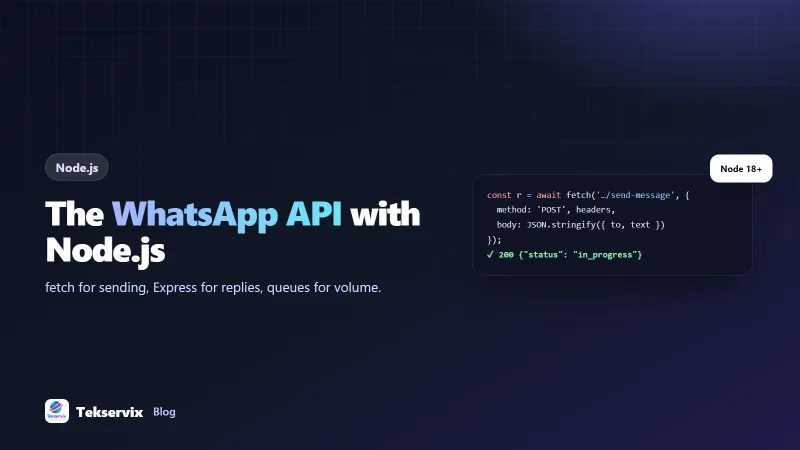
export async function sendWhatsApp(to, text) {
  const res = await fetch(`${API}/send-message`, {
    method: 'POST',
    headers,
    body: JSON.stringify({ to, text }),
    signal: AbortSignal.timeout(15000),
  });
  const data = await res.json();
  if (!res.ok || !data.success) {
    const err = new Error(`WhatsApp API ${res.status}: ${data.message}`);
    err.status = res.status;
    throw err;
  }
  return data.data; // { msgId, status: 'in_progress', ... }
}
import { sendWhatsApp } from './whatsapp.js';
await sendWhatsApp('+250788123456', 'Hi Eric, your order #1042 has shipped 🚚');The API answers straight away with in_progress. The message is queued and sent at a safe pace for your number. Store the msgId with your order if you want to track delivery and read status later.
AbortSignal.timeout makes sure a slow network can't leave the request hanging. Always set a timeout on outgoing calls in a server.
Send images and PDFs#
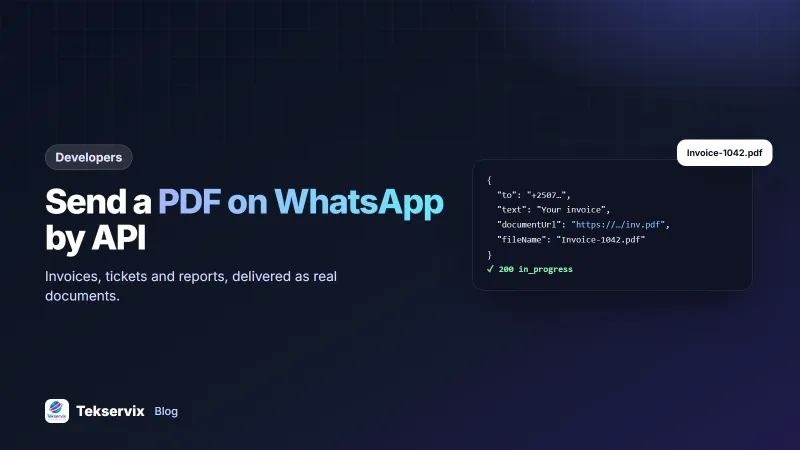
await post({ to, text: 'This week\'s menu', imageUrl: 'https://example.com/menu.jpg' });

await post({
  to,
  text: 'Your invoice INV-0187',
  documentUrl: 'https://example.com/invoices/INV-0187.pdf',
  fileName: 'INV-0187.pdf',
});
Here post is the same fetch call with a different body. Files must be reachable at a public HTTPS URL, or uploaded first. Our guide to sending PDFs through a WhatsApp API covers file names, sizes and signed links.
Retry only the errors that can recover#
const sleep = (ms) => new Promise((r) => setTimeout(r, ms));

export async function sendWithRetry(to, text, attempts = 4) {
  for (let i = 0; i < attempts; i++) {
    try {
      return await sendWhatsApp(to, text);
    } catch (err) {
      const retryable = err.status === 429 || err.status >= 500 || err.name === 'TimeoutError';
      if (!retryable || i === attempts - 1) throw err;
      await sleep(2 ** i * 1000);
    }
  }
}| Status | Meaning | Retry? |
|---|---|---|
| 429 | Rate limit reached (300 requests a minute per key) | Yes, after a pause |
| 5xx | Temporary problem, often the number reconnecting | Yes, with backoff |
| 401 | Wrong or revoked key | No; fix the key |
| 402 | Plan inactive | No; renew the plan |
| 409 | Number not linked | No; rescan the QR code |
| 422 | Invalid data, such as a bad phone number | No; fix the input |
Receive replies with Express#
import express from 'express';
import crypto from 'node:crypto';

const app = express();
app.use(express.json());

const SECRET = Buffer.from(process.env.WAPENDA_WEBHOOK_SECRET);

app.post('/wa-webhook', (req, res) => {
  const got = Buffer.from(req.get('X-Webhook-Signature') || '');
  if (got.length !== SECRET.length || !crypto.timingSafeEqual(got, SECRET)) {
    return res.sendStatus(401);
  }
  res.sendStatus(200); // answer first

  const event = req.body;
  if (event.event === 'messages.received') {
    const msg = event.data.messages;
    queue.add('incoming', {
      from: msg.key.cleanedSenderPn,
      text: msg.messageBody || '',
    });
  }
});

app.listen(3000);
timingSafeEqual compares the secret in constant time, so an attacker can't guess it from response times. Replying with 200 before doing the work keeps the webhook fast; the reasons are in our WhatsApp webhook guide.
Bulk sends belong in a queue#
Looping over 2,000 customers inside a web request is asking for trouble: the request times out halfway and nobody knows who got the message. Put each message in a job queue instead. BullMQ with Redis is a common choice in Node:
import { Queue, Worker } from 'bullmq';
const wa = new Queue('whatsapp', { connection });

for (const c of optedInCustomers) {
  await wa.add('send', { to: c.phone, text: `Hi ${c.firstName}, ...` },
    { jobId: `promo-oct-${c.id}`, attempts: 4, backoff: { type: 'exponential', delay: 2000 } });
}

new Worker('whatsapp', (job) => sendWhatsApp(job.data.to, job.data.text), { connection, concurrency: 2 });
The jobId makes the job idempotent: re-running the script doesn't message anyone twice. Keep concurrency low and let the API pace delivery. Only message people who opted in; our article on WhatsApp opt-in best practices explains how to collect consent properly.
Follow delivery and read status#
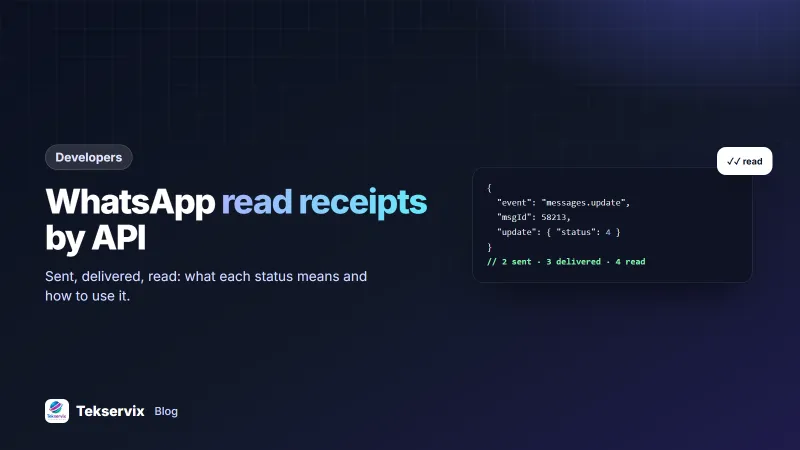
The in_progress answer tells you the message is queued, nothing more. To know whether the customer actually saw it, subscribe your webhook to messages.update. Each event carries a numeric update.status: 2 for sent, 3 for delivered, 4 for read and 5 for played (voice notes). A status of 0 is an error, and failed sends include your msgId and an error field.
if (event.event === 'messages.update') {
  const u = event.data;
  const names = { 0: 'failed', 2: 'sent', 3: 'delivered', 4: 'read', 5: 'played' };
  await db.messages.update({ msgId: u.msgId }, { status: names[u.update.status] });
}
Treat these updates as "at least once". The same status can arrive twice, and a read event can occasionally land before its delivered event. Only move a record forward (sent, then delivered, then read), never backwards, and duplicates stop mattering.
For a one-off check, GET /messages/{id}/info returns the current status and timestamps. It suits a support screen where an agent wants to confirm a customer received their invoice. Our article on WhatsApp read receipts explains why read status is missing for some users.
Check the number before the first message#
A surprising share of numbers typed into checkout forms are landlines, old SIMs or simply wrong. Sending to them wastes a slot in your queue and, at scale, looks like the behaviour of a spammer. Before you message a new contact, call GET /on-whatsapp/{phone}:
const r = await fetch(`${API}/on-whatsapp/${encodeURIComponent(phone)}`, { headers });
const { data } = await r.json();
if (!data.exists) await markCustomer(phone, { whatsapp: false });
Cache the answer on the customer record so you only ask once. If the number isn't on WhatsApp, fall back to SMS or email for that person instead of failing silently.
Keep your number healthy#
WApenda links your number as a companion device, the same way WhatsApp Web does. That means WhatsApp judges your number by how people react to it. If many recipients block or report you, the number can be banned, and no code fixes that afterwards.
Account protection is on by default and does most of the work for you:
- Random gaps of 5 to 12 seconds between messages, shorter inside a live conversation.
- A warm-up for newly linked numbers, starting at 60 messages on the first day.
- A cap of 250 messages an hour and no identical message to the same person within 10 minutes.
Leave it on unless you are sending opted-in traffic from a number with a long history. Your Node code doesn't need to add its own delays on top; queue the jobs and let the API set the pace.
Where to call it from in your app#
- Order status changes: emit an event and let a listener send the message, so your checkout code doesn't wait on WhatsApp.
- Scheduled reminders: a daily job with
node-cronor your platform's scheduler. See WhatsApp appointment reminders for timing and wording. - Serverless functions: the same fetch call works in Vercel, Netlify or Cloudflare functions. Store the key in the platform's secret settings.
Checklist before going live#
- Phone numbers stored in international format (+250...).
- API key and webhook secret in environment variables.
- Timeouts on every outgoing call.
- Retries only for 429, 5xx and timeouts.
- A test mode that sends everything to your own number.
- Logs that record the
msgId, never the key.
The full endpoint list is in the WApenda API documentation, and the Node.js fetch documentation covers request options in depth. Prefer another language? We have guides for PHP and Python too.
Frequently asked questions
Do I need a WhatsApp library for Node.js?
No. A hosted WhatsApp API is a normal HTTPS endpoint, so Node's built-in fetch (Node 18 and newer) or axios is enough. Libraries that drive WhatsApp Web directly are a different approach and mean running and maintaining the session yourself.
Can I use the WhatsApp API from a frontend JavaScript app?
Don't. Calling the API from the browser exposes your API key to anyone who opens the developer tools. Send messages from your Node server and let the frontend call your own endpoint.
How do I receive WhatsApp messages in Node.js?
Register a webhook URL, create a POST route in Express, check the signature header, respond with 200 quickly and process the message afterwards, for example by adding it to a job queue.

Tekservix Team
The team behind Tekservix
The Tekservix Team builds and supports Tekservix: WhatsApp and SMS APIs, AI tools, invoicing, PDF and SEO tools for growing businesses. We write practical, tested guides based on what we see our customers do every day.
More articles from the Tekservix Team