SMS API Guide: How to Send and Receive Text Messages From Your App
What an SMS API is, how sending and receiving work, how to choose between a carrier-connected provider and a phone-based gateway, and working code to start.
On this page
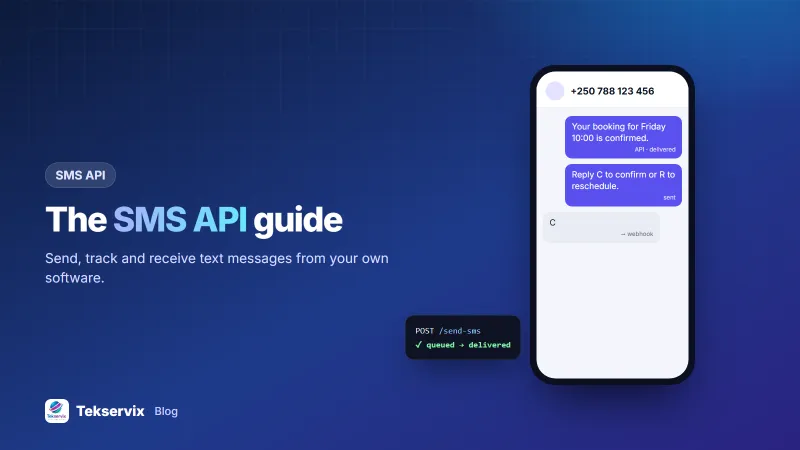
Every app eventually needs to text someone: a login code, a booking confirmation, a delivery alert. An SMS API is how your software does that without anyone touching a phone. It's also how replies come back into your system, so a customer's "YES" can confirm an appointment automatically.
This guide explains how SMS APIs work, the two kinds you can choose from, and gives you working code to send and receive your first message.
How an SMS API works#
An SMS API is an HTTPS endpoint that accepts a phone number and a message, hands the text to a mobile network, and reports back what happened. Three flows matter:
- Sending: your app POSTs the recipient and text; the API queues it and returns an ID straight away.
- Status updates: as the message moves from queued to sent to delivered (or failed), the API updates its status, and usually tells you by webhook.
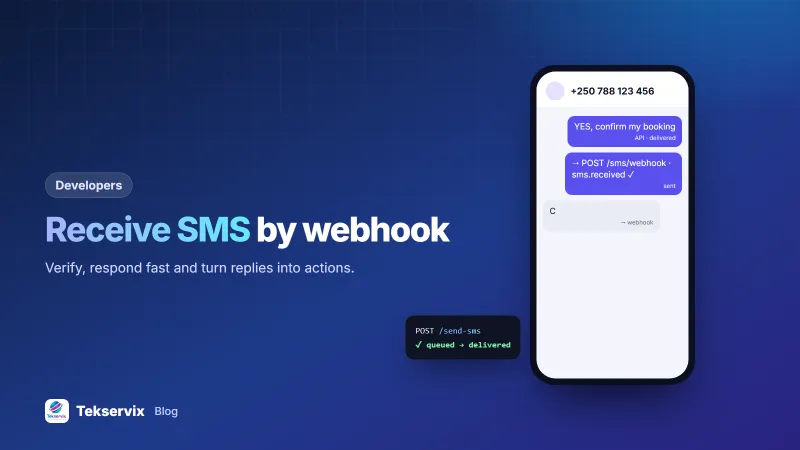
- Receiving: when someone texts your number, the API posts the message to your webhook.
Two kinds of SMS API#
Carrier-connected providers#
These companies connect directly to mobile networks, or through partners, and bill per message. They're built for very high volumes and can often show a brand name as the sender where local rules allow. Replies usually need a dedicated number or short code.
Phone-based gateways#
A gateway like SMS Gora sends through Android phones with SIM cards that you link to your account. Messages leave from a normal mobile number and are billed by your operator, often from a bundle. Customers reply to the same number, and replies arrive at your webhook. It suits businesses sending hundreds or thousands of messages a day, and anyone who wants two-way SMS without extra fees. Our guide to setting up an Android SMS gateway covers the phone side.
| Question | Carrier provider | Phone gateway |
|---|---|---|
| Price model | Per message | Your SIM rates + flat monthly fee |
| Sender shown | Brand name (where allowed) or provider number | Your own mobile number |
| Two-way replies | Often extra setup | Built in |
| Throughput | Very high | Per phone; add phones to scale |
| Best for | Nationwide campaigns, huge OTP volumes | SMEs, reminders, support, local OTPs |
Send your first SMS#
With SMS Gora, create an API key (it starts with sgk_), note your phone's ID from the dashboard, and send:
curl -X POST https://tekservix.com/smsgora/api/v1/devices/42/send-sms \
  -H "x-api-key: sgk_your_key" \
  -H "Content-Type: application/json" \
  -d '{"recipients":["+250788123456"],"message":"Your booking for Friday 10:00 is confirmed."}'
One request can list many recipients. On dual-SIM phones you can choose which SIM sends. If you'd rather not pick a phone, the API can choose any online phone in your account for you.
Track delivery#
Each message moves through statuses such as pending, sent, delivered and failed. You can read them from the API, but the efficient way is to let the gateway tell you. Subscribe your webhook to sms.sent, sms.delivered and sms.failed, and update your records as they arrive. Our article on SMS delivery reports explains what each status really means.
Receive replies#
Add a webhook URL under Webhooks in the dashboard. When a text arrives, SMS Gora POSTs JSON like this:
{
  "event": "sms.received",
  "device_id": 42,
  "data": { "from": "+250788123456", "message": "C", "sim_slot": 0 }
}
Every request carries an X-SmsGora-Signature header: an HMAC-SHA256 of the raw body using your webhook secret. Check it before trusting the content. The details are in our guide to receiving SMS by webhook.
Keeping costs predictable with a phone gateway#
With a gateway, your mobile operator bills each SMS. Most operators sell bundles that bring the per-message price well below the standard rate, so check the bundles available for the SIM you'll use. For heavier traffic, spread sending across two or three SIMs on different phones: each has its own bundle, and you keep working if one runs out. The SMS Gora dashboard shows each phone's queue and status, so you can see at a glance which SIM is doing the work.
Design tips that save trouble later#
- Normalise numbers to international format (+250…) when you store them, not when you send.
- Keep messages under 160 characters using the standard character set to avoid multi-part billing.
- Make sends idempotent: store your own reference with each message so a retry doesn't text a customer twice.
- Queue sends instead of sending inside a user's web request.
- Handle STOP: opt-outs must be respected; SMS Gora applies them to campaigns automatically.
Common use cases#
- One-time passwords for sign-in and payments.
- Appointment reminders with "reply C to confirm".
- Order and delivery updates for customers without WhatsApp.
- Alerts to staff: a server down, a large order placed, a stock level reached.
Questions to ask before you choose#
Price per message is only one part of the decision. Before you commit to any SMS API, get clear answers to these:
- Which sender will customers see? A number they can reply to, or a name they can't?
- Are delivery reports real? Some routes only report "sent", which tells you nothing about the handset.
- What happens to replies? Are they delivered by webhook, and is that included in the price?
- How are failed messages billed? Some providers charge for messages that never arrived.
- Can you leave easily? Check whether you can export your contacts, message history and opt-outs.
Send a test batch to a dozen phones on different networks before you move real traffic. The results tell you more than any sales page.
Switching from another SMS API#
SMS Gora's send endpoint uses the same request shape as TextBee, so moving over is often just a new base URL and key. From other providers, you'll typically swap one HTTP call and one webhook handler, as long as your code keeps SMS sending in a single function. The full reference is in the SMS Gora API documentation. For background on phone number formats, the ITU E.164 standard is the definitive source.
The webhook pattern carries over to WhatsApp; see WhatsApp webhooks explained.
Frequently asked questions
What is an SMS API?
An SMS API is a web interface that lets your software send and receive text messages. Your app makes an HTTPS request with a phone number and a message, and the provider delivers it to the mobile network.
How do I receive SMS replies through an API?
Register a webhook URL with your provider. Each incoming SMS is posted to that URL as JSON, with the sender's number, the text and the time, so your app can react immediately.
Is an SMS API expensive?
It depends on the model. Carrier-connected providers charge per message, while a phone-based gateway like SMS Gora uses your own SIM card's rates or bundle plus a flat monthly fee from $3.99.

Tekservix Team
The team behind Tekservix
The Tekservix Team builds and supports Tekservix: WhatsApp and SMS APIs, AI tools, invoicing, PDF and SEO tools for growing businesses. We write practical, tested guides based on what we see our customers do every day.
More articles from the Tekservix Team