WhatsApp for Ecommerce: Sell, Confirm and Support Customers Where They Chat
How to use WhatsApp for ecommerce across the customer journey: product questions, catalogues, orders, payment and delivery updates, abandoned carts, reviews and support, with automation tips.
On this page
- The customer journey on WhatsApp
- 1. Make it easy to start a chat
- 2. Answer pre-sale questions fast
- 3. Show products in the chat
- 4. Confirm orders and payment
- 5. Keep them updated until delivery
- 6. Recover abandoned carts, gently
- 7. Ask for reviews at the right time
- 8. Support after the sale
- Tools: app, API or both
- Rules that protect your number and your reputation
- Taking payment in the chat
- What to measure
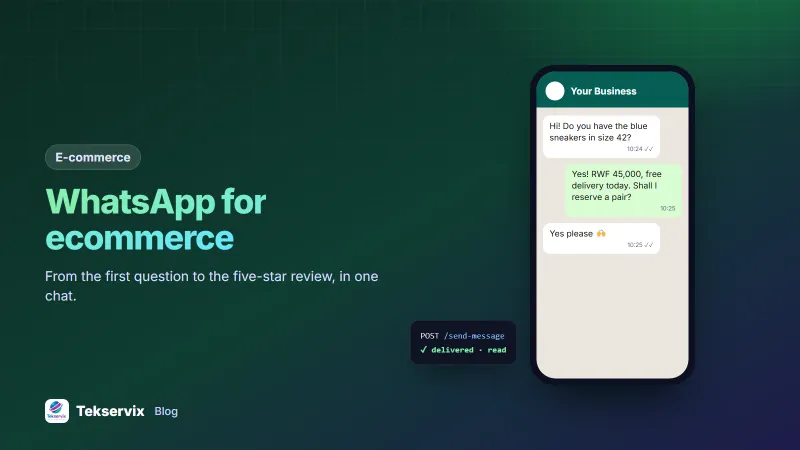
For many online shoppers, especially in Africa, Asia and Latin America, the question "is this still available?" is asked on WhatsApp, not in a website chat box. Using WhatsApp for ecommerce means meeting customers there at every step: before they buy, while they wait, and after the parcel arrives. Done well, it lifts conversion and cuts support calls. Done carelessly, it becomes spam.
The customer journey on WhatsApp#
| Stage | What WhatsApp does |
|---|---|
| Discovery | "Chat with us" button on product pages and ads |
| Consideration | Answers about size, stock, delivery, photos on request |
| Purchase | Order confirmation, payment link or mobile money details |
| Fulfilment | Payment received, shipped, out for delivery, delivered |
| After sale | Care tips, review request, support, reorder reminders |
1. Make it easy to start a chat#
Add a WhatsApp button to product pages with a pre-filled message that includes the product name, so you know what they're asking about. Use a wa.me link, which WhatsApp documents on its click to chat help page. Print a QR code on packaging and flyers that opens the same chat; our guide to QR codes for business shows how.
2. Answer pre-sale questions fast#
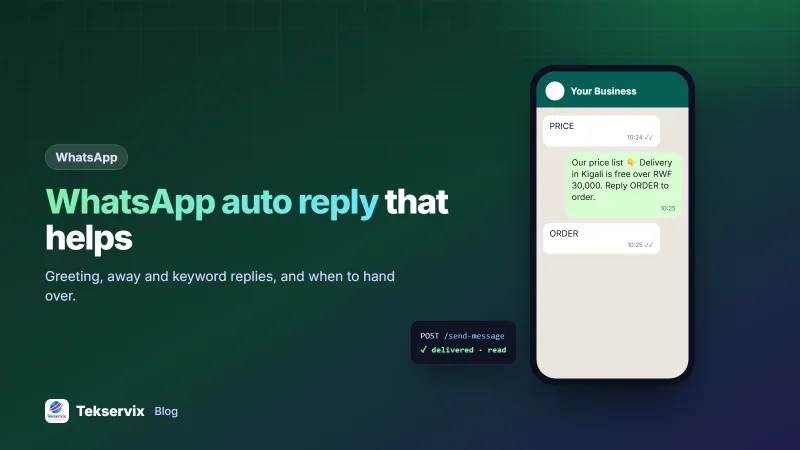
Most pre-sale questions are the same few: stock, sizes, price, delivery time and cost, payment methods. Answer them instantly with keyword auto-replies, and keep a person on hand for anything else. Speed matters here more than anywhere: a customer who waits two hours for "yes, we have it" has often bought elsewhere. See WhatsApp auto replies for setup and examples.
3. Show products in the chat#
Send clear photos with prices, a short video of the product in use, or a PDF catalogue. The WhatsApp Business app also has a catalogue feature for listing items. Good product photos do much of the selling; white background product photos explains how to make them with a phone.
4. Confirm orders and payment#
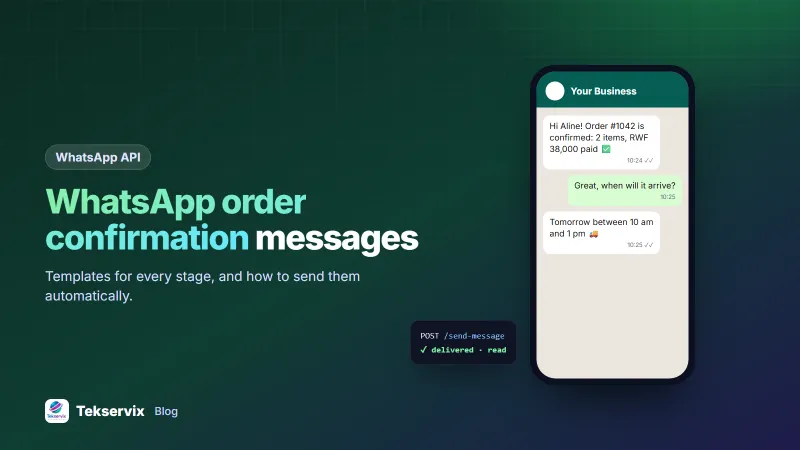
Once the customer decides, send a confirmation with the order number, items, total and how to pay. When payment arrives, confirm it straight away. These two messages remove most "did you get my order?" anxiety. Templates for each stage are in our guide to WhatsApp order confirmation messages.
5. Keep them updated until delivery#
"Shipped", "out for delivery" and "delivered" messages reduce support calls and failed deliveries because customers know when to be home. Send them automatically from your shop system through an API, so they go out at the right moment without anyone typing. If your shop runs on WooCommerce, see WooCommerce WhatsApp notifications.
6. Recover abandoned carts, gently#
If a customer who opted in to WhatsApp messages leaves items in their cart, one reminder a few hours later, with a link back to the cart, often recovers a sale. Keep it helpful rather than pushy: "Your cart is saved. Any questions about sizing or delivery?" invites a conversation. Send once, maybe a second time a day later, and then stop.
7. Ask for reviews at the right time#
A day or two after delivery, ask how it went, with a direct link to leave a review. Ask only customers whose delivery went smoothly according to your records; if there was a problem, contact them to fix it first. Keep the request short and make leaving the review take as few taps as possible.
8. Support after the sale#
Returns, exchanges and "how do I use this?" questions are easier in chat, where customers can send a photo of the problem. Set clear expectations: when you reply, and how returns work. Our WhatsApp customer service tips cover response times, tone and handovers.
Tools: app, API or both#
- WhatsApp Business app: free, fine for a handful of orders a day and one person answering.
- An API gateway: for automatic order updates, several staff, keyword replies and connecting your shop. WApenda links your existing number and adds an API, webhooks, campaigns and auto-replies, with unlimited messages per number.
Our comparison of the WhatsApp API and the Business app helps you decide when to move up.
Rules that protect your number and your reputation#
- Get consent for anything beyond order updates, and record it at checkout.
- Keep promotions rare and relevant. A weekly offer to people who asked for offers is fine; daily blasts to everyone are not.
- Honour STOP immediately.
- Don't add customers to groups where strangers can see their numbers.
Taking payment in the chat#
Make paying as easy as ordering. Send the exact amount with a mobile money number or merchant code, or a payment link, and a reference such as the order number so you can match the payment. Confirm receipt as soon as it arrives. Never ask customers to send card numbers or PINs in a chat, and warn them that you'll never ask for these. It protects them from impostors pretending to be your shop.
What to measure#
Track chats started, how many became orders, average first-response time, and the share of orders that needed a "where is my order?" message. When response time drops and update messages go out automatically, the last number usually falls sharply, which is where much of the value lies.
Frequently asked questions
Can I sell directly on WhatsApp?
Yes. Many shops take orders entirely in chat: customers browse a catalogue or price list, confirm what they want, pay by mobile money or a payment link, and receive updates in the same thread.
Is it okay to send abandoned cart reminders on WhatsApp?
Only to customers who opted in to WhatsApp messages from you, and only once or twice. A single helpful reminder with a link back to the cart is acceptable; repeated nudges will annoy people and risk reports.
Do I need the WhatsApp API for ecommerce?
Not at first. The WhatsApp Business app works for a small number of orders. Once you want automatic order updates, several staff on one number or integration with your shop, an API or gateway becomes worth it.

Tekservix Team
The team behind Tekservix
The Tekservix Team builds and supports Tekservix: WhatsApp and SMS APIs, AI tools, invoicing, PDF and SEO tools for growing businesses. We write practical, tested guides based on what we see our customers do every day.
More articles from the Tekservix Team