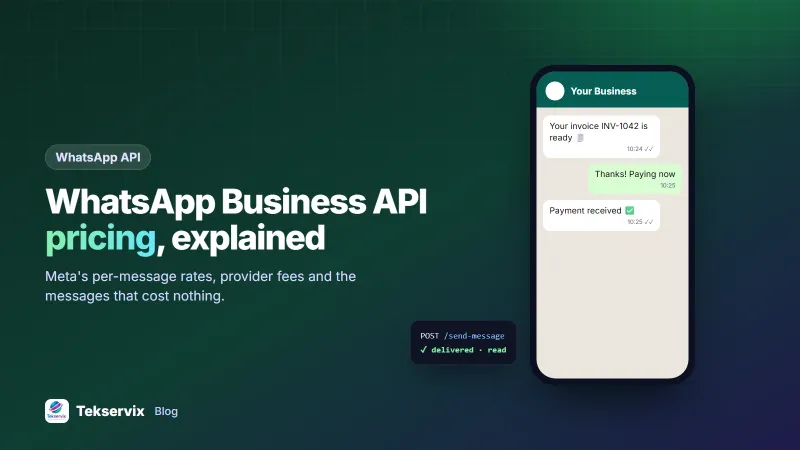
WhatsApp Business API Pricing Explained: What You Actually Pay
How Meta charges for the WhatsApp Business API, what providers add on top, which messages are free, and how to estimate your monthly bill before you commit.
On this page
Most businesses discover WhatsApp Business API pricing the hard way: a quote arrives with a platform fee, a per-message rate that changes by country, and a list of "conversation categories" nobody explained. Two companies sending the same volume can pay very different amounts depending on where their customers live and what kind of messages they send.
This guide breaks the bill into its real parts, shows which messages are free, and gives you a quick way to estimate your monthly cost before you sign anything.
The two cost layers in WhatsApp Business API pricing#
If you use Meta's official WhatsApp Business Platform, you almost always pay two separate parties.
- Meta's message fees. Charged for template messages that Meta delivers, priced by message category and by the recipient's country code.
- Your provider's fees. Most businesses connect through a Business Solution Provider (BSP). BSPs typically add a monthly platform fee, a per-message markup, or both, in exchange for the dashboard, inbox and support.
The first layer is published on Meta's WhatsApp pricing page. The second varies widely, so always ask a provider for their total cost per 1,000 messages in your main market, not just their monthly fee.
How Meta prices messages#
Meta groups the messages a business starts into categories, and each has its own rate.
| Category | Typical use | Relative price |
|---|---|---|
| Marketing | Promotions, product launches, re-engagement | Highest |
| Utility | Order updates, delivery notices, account alerts | Lower |
| Authentication | One-time passwords and login codes | Usually the lowest |
| Service | Your replies when a customer writes to you | Free inside the 24-hour window |
Since July 2025, Meta bills template messages per delivered message rather than per 24-hour conversation. The rate for the same category can be several times higher in one country than another, so your customer mix matters as much as your volume.
The messages you don't pay Meta for#
- Replies inside the customer service window. When a customer messages you, you can reply freely for 24 hours.
- Conversations from free entry points. Chats that start from a click-to-WhatsApp ad or a Facebook Page button get a longer free window under Meta's rules.
- Utility templates inside an open service window. Meta has made these free when the customer has written to you recently. Check the current rules for your account.
The cheapest message is the one the customer asked for. A "Reply YES for updates" prompt at checkout opens service windows that cost nothing.
What providers add on top#
Provider pricing usually follows one of three models:
- Monthly platform fee: a fixed amount per month or per user seat, plus Meta's fees passed through.
- Per-message markup: no monthly fee, but each message costs Meta's rate plus a margin.
- Bundles: a package of messages or conversations per month, with overage charges above it.
None of these is wrong. The mistake is comparing a $49 monthly fee with a $15 one without asking what 5,000 messages to your country will cost in total on each.
The alternative: flat pricing per number#
A WhatsApp API gateway links the number you already use, the way WhatsApp Web does, and exposes it through a REST API. There are no templates to approve and no per-message fees from Meta, because messages go out from your own account.
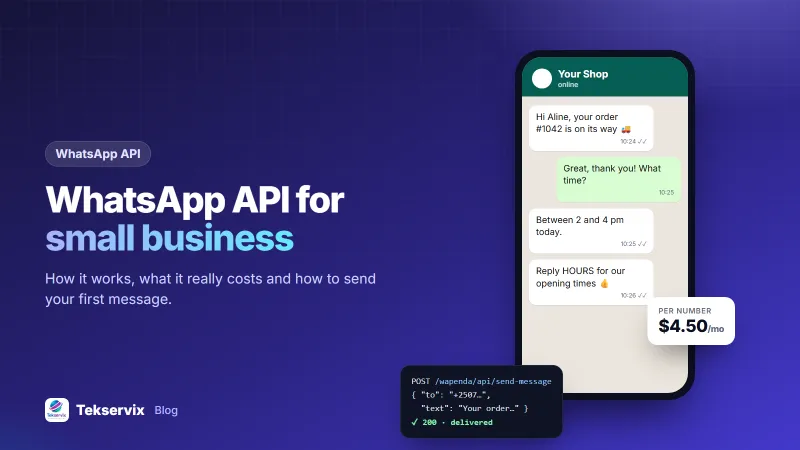
WApenda, the gateway built into Tekservix, charges per connected number with unlimited messages:
| Plan | Numbers | Monthly | Yearly |
|---|---|---|---|
| Starter | 1 | $4.50 | $45 |
| Pro | 3 | $12 | $120 |
| Plus | 6 | $22 | $220 |
| Business | 10 | $35 | $350 |
| Enterprise | 25 | $79 | $790 |
The trade-off is responsibility. Because a gateway isn't Meta's official API, WhatsApp's normal rules apply to your number directly. You must message people who agreed to hear from you, or the number can be banned. Our guide to sending bulk WhatsApp messages without getting banned covers the habits that keep a number healthy.
How to estimate your monthly bill in five minutes#
Take a shop in Kigali as a worked example. It sends about 2,000 order updates, 600 promotional messages and 300 login codes a month, almost all to Rwandan numbers.
- Count messages by category. Split last month's sends into marketing, utility and authentication.
- Look up Meta's rates for your main recipient country on the rate card, one per category.
- Multiply and add. Volume per category times its rate gives Meta's part.
- Add the provider layer: monthly fee plus any per-message markup.
- Compare with a flat alternative. The same shop on a one-number gateway plan pays $4.50 a month whatever the volume.
For this shop, the utility and marketing messages drive almost all of the official-API cost. That's typical: marketing messages are where per-message pricing hurts most.
When the official API is still the right choice#
Flat pricing isn't automatically better. Choose the official platform when:
- you need a verified business profile and Meta's official support path,
- you send hundreds of thousands of messages a month to cold or semi-warm audiences under strict compliance review,
- your legal or security team requires a direct contract with Meta or a BSP.
For most small and medium businesses sending order updates, reminders and campaigns to customers who know them, a gateway on their own number costs far less. If you're still weighing the two, our comparison of the WhatsApp Cloud API and a WhatsApp gateway goes through the technical differences, and the WhatsApp API guide for small businesses shows how to get started.
Hidden costs to ask about#
- Setup or onboarding fees for business verification.
- Extra numbers: some providers price each number as a separate account.
- Inbox seats for each team member who answers chats.
- Media storage for images and documents.
- Currency conversion if you're billed in dollars but earn in another currency.
Ask for these in writing. A quote that looks cheap per month can double once seats and extra numbers are added.
Frequently asked questions
How much does the WhatsApp Business API cost per message?
On Meta's official platform, you pay per delivered template message, and the rate depends on the message category (marketing, utility or authentication) and the recipient's country. Replies inside the 24-hour customer service window are free. Check Meta's current rate card for your market.
Is there a monthly fee for the WhatsApp Business API?
Meta itself does not charge a monthly subscription, but most Business Solution Providers add a monthly platform fee or a markup per message. Gateways that link your own number, such as WApenda, charge a flat monthly fee per number instead.
Which is cheaper, the official API or a WhatsApp gateway?
For small and medium volumes a gateway is usually cheaper because messages are not billed individually. At very high volumes with strict compliance needs, the official API can make more sense despite per-message costs.

Tekservix Team
The team behind Tekservix
The Tekservix Team builds and supports Tekservix: WhatsApp and SMS APIs, AI tools, invoicing, PDF and SEO tools for growing businesses. We write practical, tested guides based on what we see our customers do every day.
More articles from the Tekservix Team